Azure Power User Access
To develop in our AIML azure environments, you need access to the AIML Power Users groups. This document explains how to obtain that.
Yubikey security key
The first step is to get a Yubikey. Ask the AIML team lead to request a yubikey from the Information Security team. Once you have the yubikey in your possession, follow these instructions:
- Yubikey Instructions
Sailpoint Request for the AIML Power Users AD Groups
We manage access with Microsoft Active Directory (AD) groups. We have separate AD groups for devtest and prod. The steps are as follows:
- Go to Sailpoint IdentityIQ
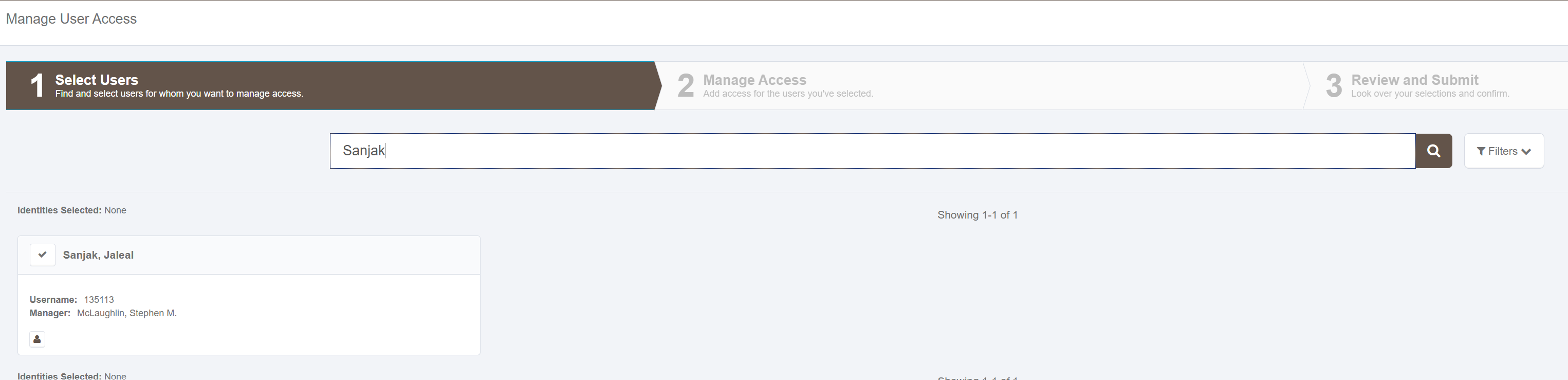
- Select manage access and find your user name
- Find the AD group you want to add yourself to
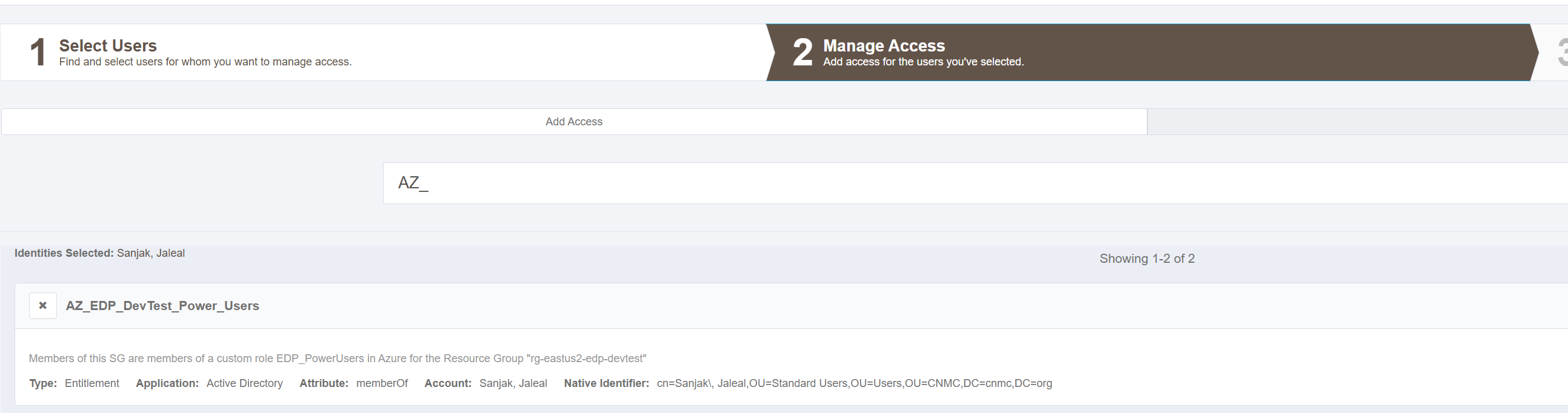
- The AD groups you may need access to include:
- AZ_EDP_DevTest_Power_users for Devtest
- UPDATE_LATER for Prod
ServiceNow Request for the AIML Power Users Azure Group
Once the Sailpoint request is approved, you need to make a SNOW ticket to get access to the azure group. Go to the service desk sharepoint and put in an "Azure AD (Entra ID)" service request with the following fields:
- If accessing DevTest:
- Azure SSO application Name: AIML Power Users (DevTest)
- Azure SSO Configuration related: I need access to the AIML Power Users (DevTest) Group in rg-eastus2-aiml-devtest
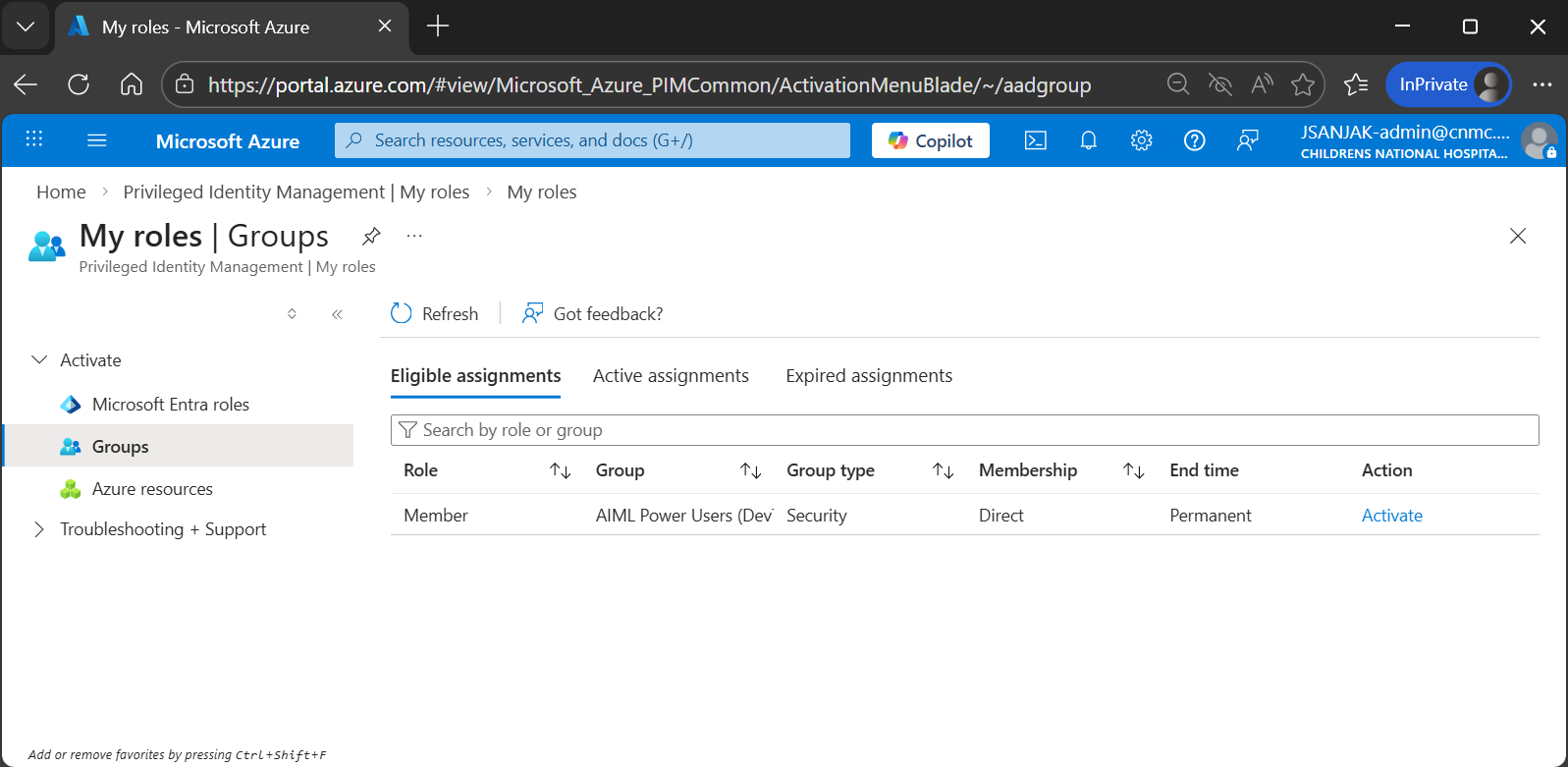
Login to Azure Portal as Admin
- Open an InPrivate/InCognito window in your browser and go to the Azure Portal
- Sign into your Admin account using your Security Key (Yubikey)
- Search for Privileged Identity Management
- Select My Roles
- Find the AIML Power Users rolw and activate it